macOS 13.0+ · Apple Silicon
Installs Canban.app in /Applications.
 CANBAN
 // INSTALL
A native workbench on your desktop. Persistent agents on your server.
Install Git and your chosen agent CLI, and complete the agent’s authentication. Canban uses Herdr Core (hc) to run persistent terminal sessions and guides you through setup on first launch if it is missing.
Run this command to install or update the desktop app.
curl -fsSL https://canban.dev/install.sh | bashInstalls Canban.app in /Applications.
Installs to ~/.local/opt/canban and adds an application launcher. GTK4 and GStreamer runtime libraries are required.
sudo apt install libgtk-4-1 libgstreamer1.0-0 libgstreamer-plugins-base1.0-0sudo pacman -S gtk4 gstreamer gst-plugins-basesudo dnf install gtk4 gstreamer1 gstreamer1-plugins-baseInstall the CLI and daemon without GTK4 or a desktop session. Connect from the desktop app over SSH or Tailscale. Install Git, Herdr Core, your agent CLI, and project dependencies on the server.
curl -fsSL https://canban.dev/install.sh | bash -s -- --headlessRun the same installation command again to update an existing installation. The desktop app also provides an update action when a new version is available.
Read the Changelog →For platform build dependencies and source installation instructions, see the GitHub README.
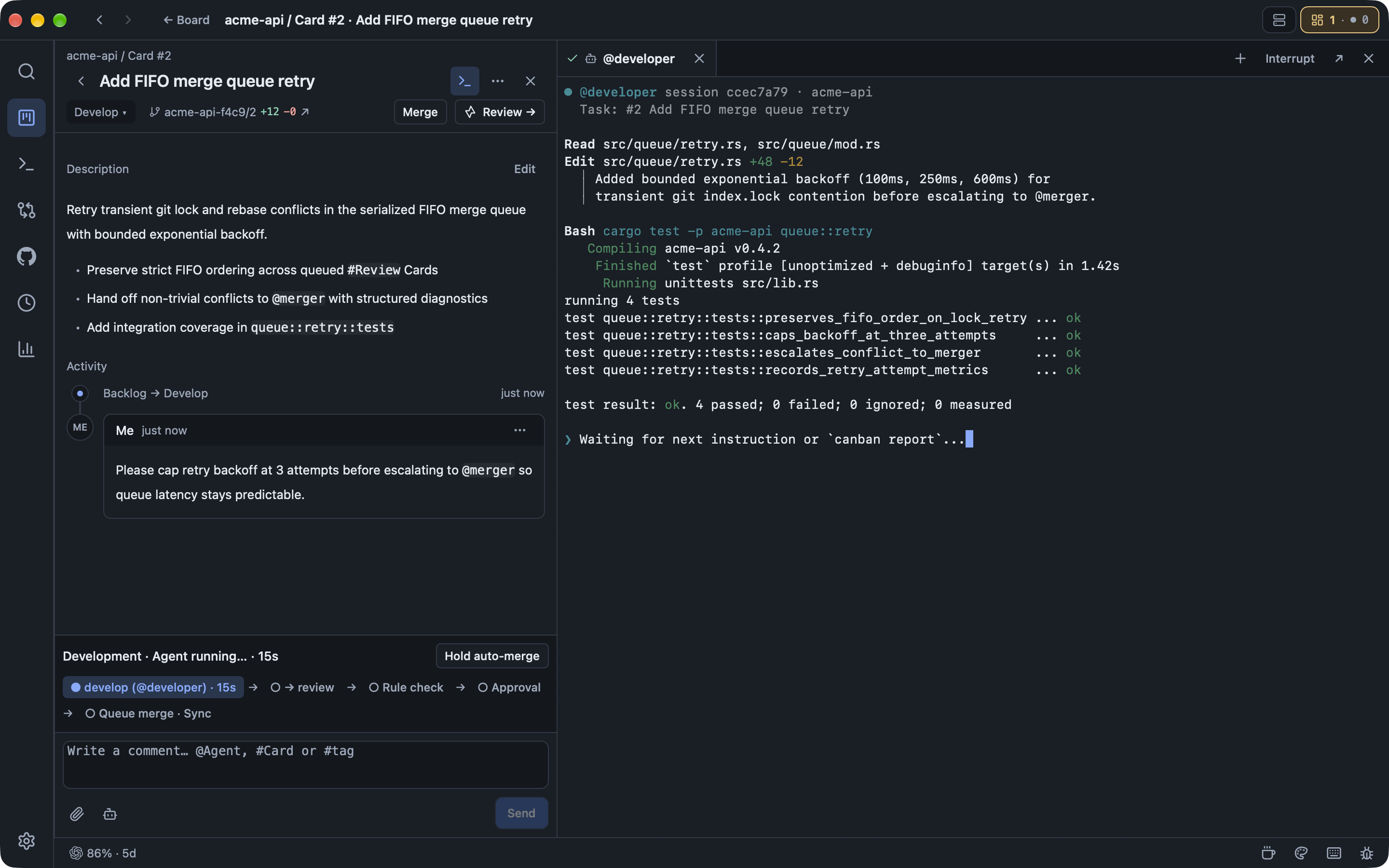
GitHub README →Canban is a native Kanban and terminal workbench for AI coding agents. It brings task specifications, agent discussions, progress, and code review together on cards, with workflows that organize development and delivery.
Canban uses Herdr to run agents, so agents supported by Herdr are supported in Canban — including Claude Code, Codex, Antigravity, Cursor CLI, and custom terminal agents. Install and authenticate your chosen agent CLI before using it in Canban.
Canban is available for macOS 13.0 or later on Apple Silicon, and Linux on x86_64 and arm64. Linux desktops require GTK4 and GStreamer runtime libraries. Linux servers without a desktop can use headless mode.
Use the installation command on this page to install or update Canban. Running agents also requires Git, your chosen agent CLI, and Herdr Core. Canban guides you through Herdr Core setup on first launch if it is missing. See the Changelog for release details.
Yes. Install Canban in headless mode on a Linux server, then connect from the desktop app over SSH or Tailscale to manage remote tasks and terminals. Install your agent CLI and development dependencies on the remote machine.
Canban is free and open source under the Apache-2.0 license. Your chosen agents, model APIs, or other services may have separate costs.