 CANBAN
 // DOCS
Canban Documentation
Canban (canban.dev) unifies Kanban cards for Human Context, declarative schema 10 Workflows, an Agent-first CLI, and Herdr persistent PTY terminals for native AI coding agent CLIs.
Verified schema 10 Document/Step syntax, all 9 uses: types, condition pointers, admit gates, rework/failure handling, and FIFO Queue Merge.
Canban CLI & --human →Core CLI subcommands, compact JSON & server-side --fields shaping, zero-config env injection, request_key idempotency, and --human usage.
24 Agent CLIs & Herdr PTYs →All 24 built-in CLI agents, libghostty-vt terminal preservation, canban card adopt, and zero-interference native TUIs/MCPs.
Remote Linux Hosts (canband) →Headless Linux canband daemons, Tailscale direct TCP with bearer auth, SSH bootstrap/fallback, offline cache, and Diagnostics.
Install & FAQ →Desktop macOS/Linux and headless server installation, Linux GTK4/GStreamer dependencies, and answers to common questions.
Changelog →Published Canban releases, latest versions first, with original release notes.
System architecture
Canban is built in Rust with native UI (longbridge/nsh — AppKit/Metal on macOS 13.0+ Apple Silicon, GTK4 on Linux x86_64 / arm64) and libghostty-vt for terminal emulation.
- Canban UI (
canban-ui): Connects over Unix socket (~/.canban/app.sock) to localAppServer, and simultaneously over Tailscale TCP or SSH tunnels to remotecanbandhosts. - AppServer (
canban serve/canband): Owns SQLite WAL storage, Cards, the Workflow Engine, Scheduler, Git worktree management, and Merge Queue coordination. Closing the desktop window leaves background scheduling active. - Herdr Core (
hc): Persistent PTY session supervisor running native Agent CLIs (claude,codex,agy,gemini,opencode,cursor-agent, etc.) so running agent sessions survive UI restarts and upgrades.
Why Canban = Kanban + Workflow + Herdr
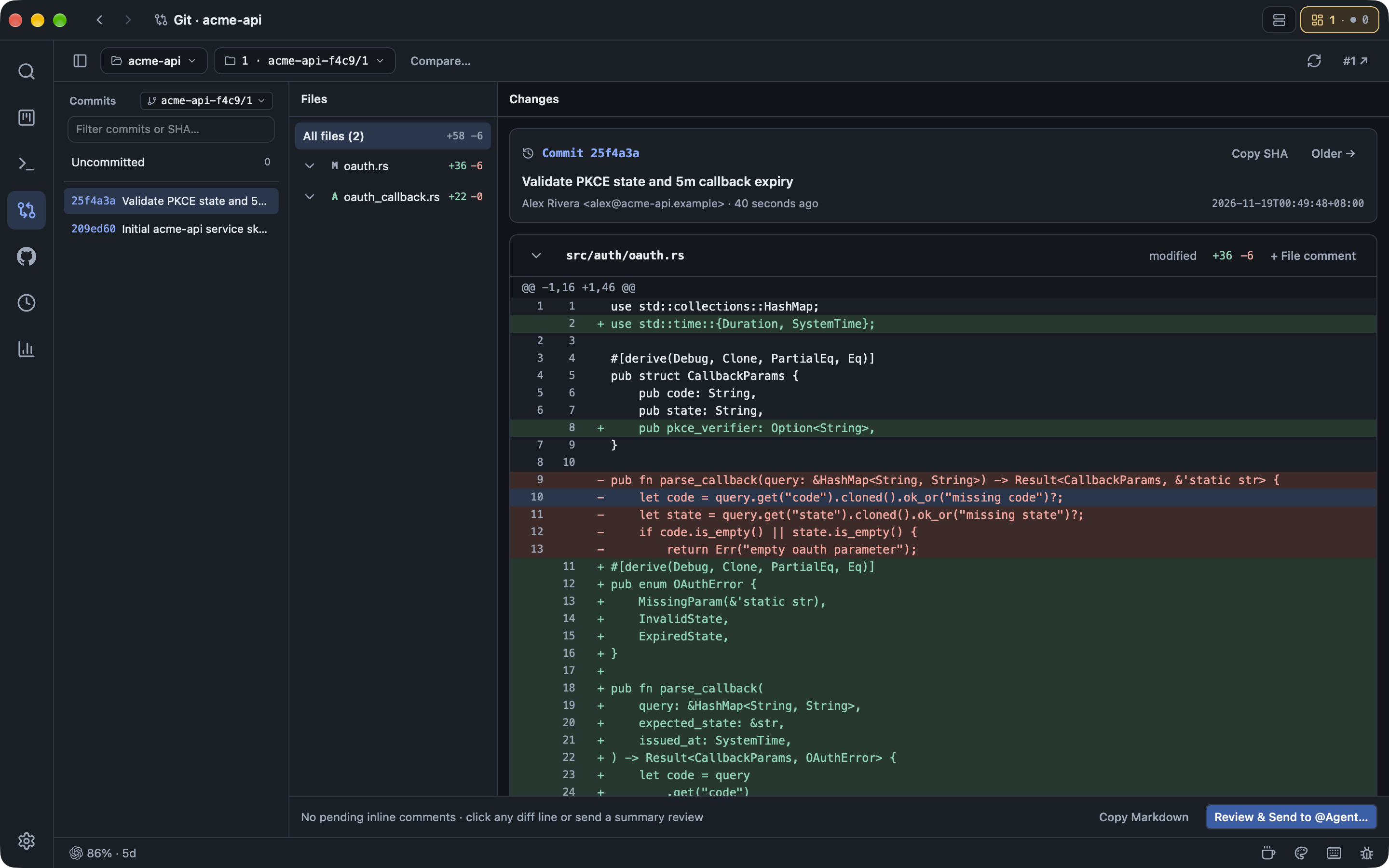
- Kanban maintains Human Context: Feature specs, pasted screenshots,
#Cardand GitHub Issue/PR references,@Agentdiscussions, structured reports, and diffs stay together on each Card. - Workflow automates worktrees and delivery: Dragging a Card into
Developallocates an isolated Git worktree (<dir>-<proj4>/<card-number>) and runs your workflow graph;Reviewintegrates changes through a serialized FIFO Queue Merge. - Herdr runs native Agent CLIs without interference: Keep your CLI's native TUI, MCP servers, skills, permissions, and exact-ID session resume intact.
Core CLI quickstart
Inside any Canban-launched terminal or scheduled agent session, Canban injects CANBAN_CLI, CANBAN_ENDPOINT, CANBAN_CARD, CANBAN_PROJECT, and CANBAN_RUN_DIR. Add --human for pretty-printed JSON without fetching extra fields.
"$CANBAN_CLI" card show --fields number,title,body,stage,revision
"$CANBAN_CLI" card adopt --stage develop
"$CANBAN_CLI" report --state completed --message 'Implemented and verified tests' --file "$CANBAN_RUN_DIR/report.md"
canban --human --fields number,title,stage card show
See the full Canban CLI, Agent Optimization & --human guide.